Guide
Smart Home Ideas for an Indian House, Room by Room
Smart home ideas for every part of an Indian house, from the gate to the water tank, and the point, neutral, network or pipe each idea needs.
By the Design SQR team · 28 Oct 2026 · 12 min read
A smart home in an Indian house can show you who is at the gate, open the door from your phone, heat the geyser before you wake, run the water motor by itself and warn you of gas or smoke, but every one of these ideas needs something in the wall first: a power point, a neutral wire at the switchboard, a network point or an empty pipe. Below, room by room from the gate to the water tank, is what each idea does and what it needs, so it can go on the electrical drawing before the electrician starts.
The wiring rules behind all of this, from the neutral wire to spare pipes and the distribution board, are in our smart home planning checklist. This post is about what to do with that wiring.
Seedhi baat: pehle tay kijiye ki kis kamre mein kya apne aap chalega; phir uske hisaab se point aur pipe drawing mein daaliye.
What an "AI home" can do today
Mostly, it means a voice assistant that understands ordinary speech and runs routines. Amazon has supported Hindi and Hinglish on Alexa since September 2019, with smart-home commands such as "Alexa, geyser on karo". Its newer Alexa+, in early access in India since 16 September 2026, talks in English, Hindi and Hinglish and follows a change of language in the middle of a sentence. Google's help pages list English and Hindi for Google Assistant on its speakers in India.
The assistant is the easy part. It can only switch what the house lets it reach. Four things come up again and again below:
- A power point exactly where the device sits: on the gate pillar, at the head of a window, beside the tank.
- A neutral wire at the switchboard, which many smart switches need to stay powered while the light is off.
- A network point or strong Wi-Fi where cameras, the door phone and the recorder sit.
- An empty pipe (conduit) with a pull wire, so a cable can be added later without cutting a wall.
Gate and parking
- Video door phone. The visitor presses the bell at the gate; you see and speak to them from inside, and from your phone if the unit is on the network. Needs: a cable from the gate to the indoor screen, and power at both ends.
- Gate camera. One camera that covers the gate and the parking. Needs: a power point at the camera, or a network cable that also carries power, and a pipe back to the recorder.
- Gate motor. A sliding or swing gate that opens from a remote or a phone. Needs: power and a control cable at the pillar, decided before the boundary wall and pillars are built.
- Lights that look after themselves. Gate and compound lights on a timer or a light sensor. Needs: these lights on their own circuit, with the module or sensor in a box that stays dry.
- A charging point for later. Even without an electric car today, a separate point or an empty pipe from the distribution board to the parking saves breaking the floor later. Our electrical design marks points for ACs, geysers, the chimney, the inverter and an EV charger, with a load calculation.
Everything at the gate faces the monsoon. Check the IP rating on the box: the first digit is protection against dust, the second against water, and enclosures tested against rain carry ratings such as IP65 and IP66. Put cable joints in a closed junction box, and seal the ends of outdoor pipes so rain does not run inside.
Entrance and main door
- Smart lock. Opens with a code, a fingerprint or the phone, and, if it is connected, tells you when the door was opened. Needs: the right door and frame, so choose the lock before the main door is ordered, and a power point nearby if it connects to the network. Ask how it opens if its battery runs down, and keep a key.
- An "all off" button. One press by the door switches off the lights and fans of the whole floor when you leave. Needs: the lights wired so a smart relay can reach them, and the scene written down before wiring.
- Porch light on motion. For late arrivals and deliveries. Needs: a sensor point above the door, with a neutral.
Living room
- Scenes. "Evening", "TV" and "guests": one tap or one sentence sets the lights, fans and curtains together. Needs: lights that change together on one circuit, and a neutral at each switchboard.
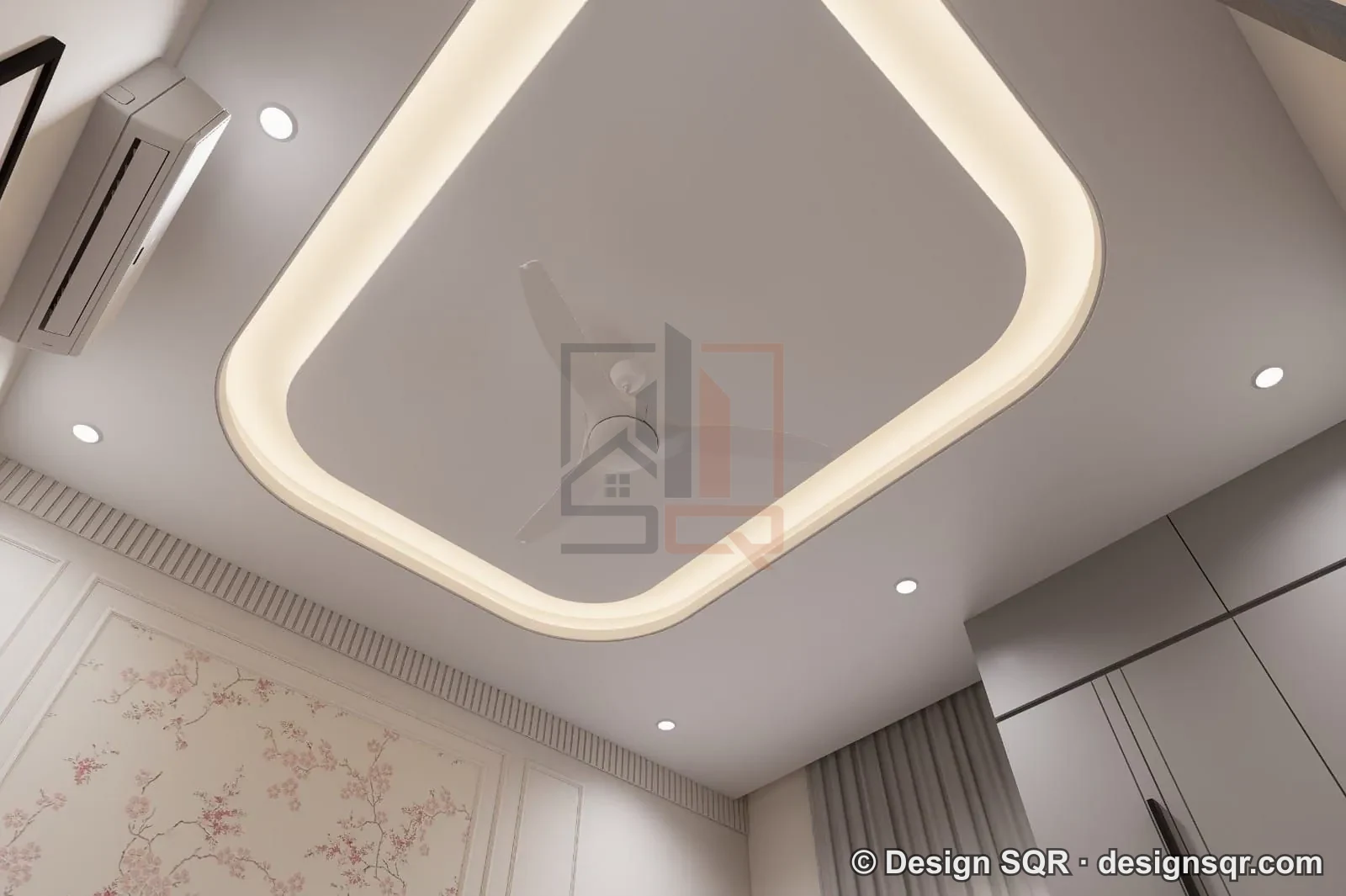
- Curtain motors. Curtains that open with the morning scene and close at sunset. Needs: a power point at the top corner of every window that will get a motor. This is the point people forget most often.
- AC control. Switch the AC on a few minutes before you reach home. Needs: an AC point placed for the unit and, for a controller that works by infrared, a spot in clear view of the indoor unit.
- TV wall. Streaming and voice control of the TV. Needs: a network point behind the TV, and an empty pipe between the TV and the set-top box or speakers.
- Smart speaker. The assistant's ears in the room. Needs: only a power point, somewhere it can hear you over the TV.
Kitchen
- Gas leak alarm. LPG is almost twice as heavy as air and settles at floor level, HPCL explains; piped natural gas is lighter than air and rises, as Central UP Gas explains. So an LPG alarm goes low, near the cylinder, and a PNG alarm goes high. Needs: a power point at that height; follow the alarm maker's instructions for the exact spot.
- No fan on the gas alarm. Indian Oil's advice for a leak is not to operate electrical switches or appliances in the room. Let the alarm sound and send an alert to phones; do not link it to a routine that starts the exhaust fan or the chimney.
- Smoke alarm outside the kitchen. The US fire-safety body NFPA advises fitting smoke alarms on the ceiling or high on a wall, and at least 3 metres (10 feet) from the stove, so cooking does not set them off. In most Indian homes that means the dining area or the passage. Needs: a ceiling point if the alarm runs on mains power.
- Lights under the cabinets. On a motion sensor, so wet or floury hands never touch a switch. Needs: a point inside the top cabinets, drawn with the modular kitchen.
Bedrooms
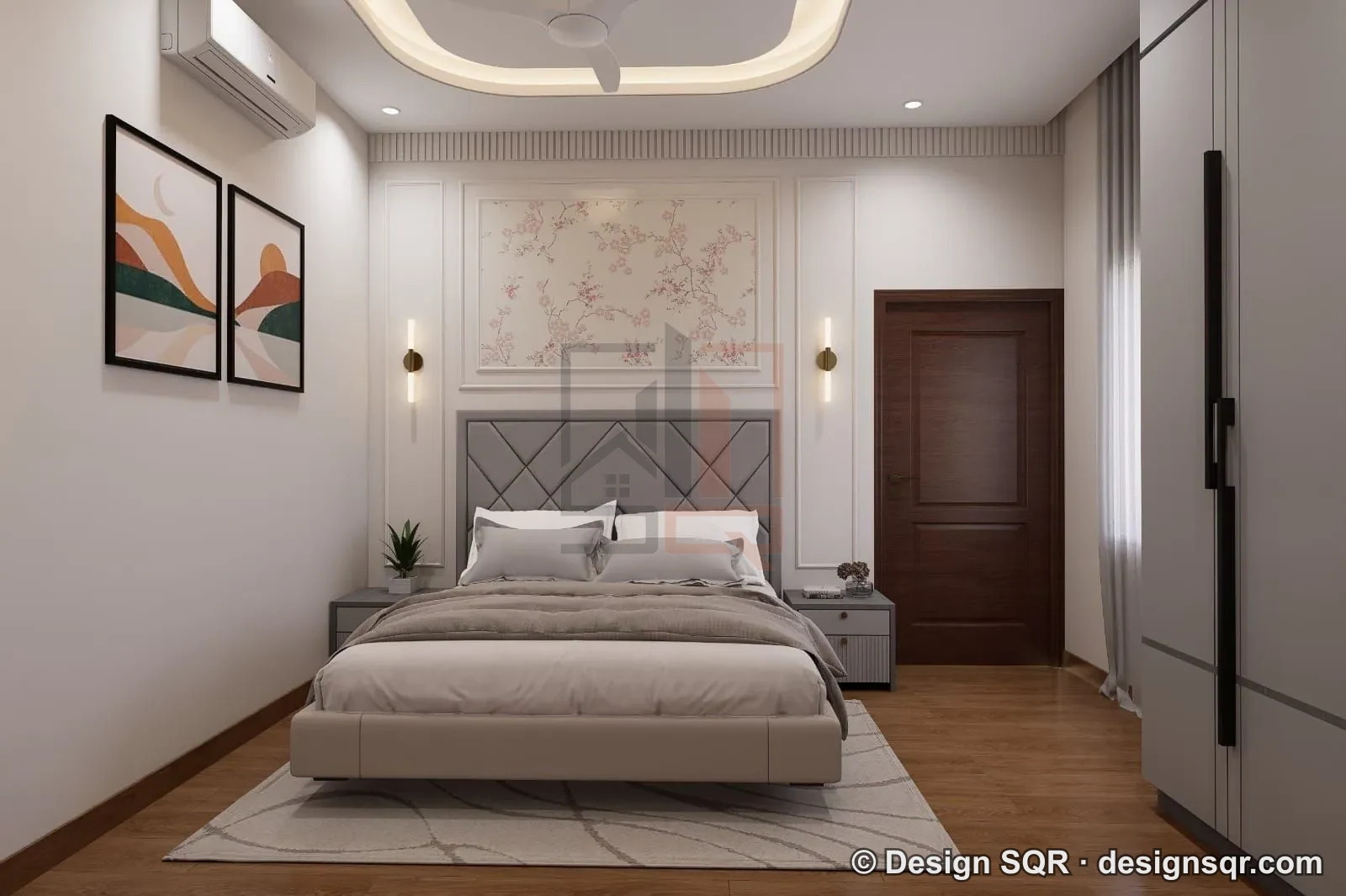
- One switch by the bed. Turns off every light in the room, or the whole floor, at night. Needs: the switchboard placed for the bed, not hidden behind the headboard.
- AC on a schedule. Cool the room before bedtime and switch it off in the early morning. Needs: an AC point placed for the unit and a controller that reaches it.
- A night path. A low light that comes on by motion when someone gets up, lighting the way to the toilet without waking anyone. Needs: a low point near the bed or in the passage.
- Smoke alarms. NFPA advises one inside every bedroom, outside each sleeping area and on every level, connected so that when one sounds, they all sound. Needs: a ceiling point for each one if they run on mains power.
Bathrooms
- Geyser on a schedule. Hot water at 6 am, switched off after the bath, never left on all day. Needs: a smart switch or plug whose current rating, printed on it, covers the rating on the geyser's own plate, because the geyser is usually the heaviest load in the room. Keep the geyser on its own point.
- Exhaust fan that runs on. It keeps running for a while after the light goes off. Needs: a fan point with its own control.
- Motion light for night use. Needs: a sensor point by the door, with a neutral.
- Modules out of the wet area. Smart modules belong in the switchboard outside the shower area, where water never reaches.
- A leak alert. A small sensor under the washbasin or near the geyser that warns your phone. Needs: Wi-Fi that reaches the bathroom.
Stairs
- Lights on motion. Each landing lights up as you climb and goes dark after you pass. Needs: a sensor point on each landing, at the height marked on the drawing, with a neutral.
- Step lights. Low lights in the side wall, on the same sensor. Needs: points low in the staircase wall, decided before plaster.
- Two-way switches. Keep a switch at the top and the bottom of every flight. A smart system should add to them, not replace them.
Terrace and roof
- Solar. Panels on the roof and, if the solar inverter offers it, the day's generation on your phone. Needs: a shade-free area, and a pipe from the roof to the meter and the distribution board. See rooftop solar for a new house.
- A camera on the roof door. Useful where the terrace can be reached from a neighbour's roof. Needs: a point by the mumty door and a pipe back down.
- Terrace lights and a garden point. On a timer for evenings and festivals. Needs: an outdoor socket with a cover.
- Spare pipes from the roof down to the distribution board, with pull wires, for cables you have not thought of yet.
Water tank and motor
In many Indian homes someone switches the motor on when the supply comes, then waits for the overflow. Automation takes that job away:
- Level sensor and controller. A sensor in the overhead tank and a controller at the motor starter switch the pump on when the tank is low and off when it is full.
- Dry-run protection. Ask for it: it stops the pump when there is no water to lift.
- Tank level in the kitchen. A small display or a phone alert shows how full the tank is.
- Needs: a pipe from the roof tank down to the motor point for the sensor wire (or power at the tank for a wireless sensor), and space beside the starter for the controller.
Power cuts, inverter and internet
A smart home that stops in a power cut is worse than a plain one. Decide on the drawing which circuits run on the inverter: the router, the camera recorder, the door phone, and a few lights and fans on each floor. Every wall switch should still work by hand.
When you choose devices, ask whether they support Matter, a common smart-home standard. Amazon says Matter lets Alexa control a device locally during internet outages. Google Home needs a Matter-enabled hub, and Google says commands given at home then go directly to the Matter device over the home's Wi-Fi or Thread network. Control from outside the house still needs the internet.
How to plan it
- Walk through your plan room by room with this list, and tick only what your family will really use.
- Write down the scenes: morning, away, night, guests, and what each one switches.
- Mark every point on the electrical drawing, with its height.
- Lay the pipes before the slab is cast. Buy the devices later, in stages.
A walkthrough video of the plan shows each room with its furniture, which makes it easier to see where the bed, the TV and the curtains will be before the points are fixed.
What we draw
Our smart home and home automation service gives you a smart-home plan for every floor, with switch, sensor, camera, speaker and Wi-Fi points marked on the electrical drawings; conduit routes planned before the slab is cast; the scenes you choose, and which lights, fans, AC and curtains each one controls; and security points for cameras, the video door phone, the smart lock and the gate, with where each one is powered and networked. Devices are chosen to work with assistants such as Alexa or Google Home. The planning is done from your drawings, so it works anywhere in India; ask us about supply and installation for your city. Drawing fees are on our rate card.
Common questions
Which part of the house should I automate first?
For most families, the gate, the main door and the water tank: they save the most trips. Lights and curtains can follow, as long as their points and pipes are already in the wall.
Do I need the internet for a smart home?
For control from outside the house, yes. The Matter standard's own FAQ says Matter-only devices need an internet-connected controller in the home, such as one built into a smart speaker or hub, for control when you are away. Wall switches should work without any of it.
Can I speak to it in Hindi?
Yes. Alexa understands Hindi and Hinglish, and Google lists Hindi for Google Assistant on its speakers in India. Its help page lists English only for its smart displays in India.
Smart home ka kaam kab shuru karein?
Naksha final hote hi, aur pehla slab dalne se pehle. Uske baad har naya point deewar kaatkar lagta hai.
Sources
- Amazon India press release, September 2019: Alexa in Hindi and Hinglish
- Amazon, Alexa+ international launch: early access in India from 16 September 2026
- Google Home Help: change the language of your voice assistant
- Amazon Alexa developer documentation: connect your device to Alexa with Matter (updated 22 October 2026)
- Google Home Help: set up, manage and control Matter-enabled devices
- Connectivity Standards Alliance: Matter FAQ
- HPCL: domestic LPG safety; Central UP Gas: benefits of PNG; Indian Oil: LPG safety tips
- NFPA: Smoke Alarms at Home
- NEMA Bulletin 123 (8 March 2023): IP ratings under IEC 60529
- EC&M, "Stumped by the Code?" (April 2011): US National Electrical Code 404.2(C), a neutral at switch locations
All read on 28 October 2026.
Send your floor plan on WhatsApp, or use the quote form, and we will mark the smart-home points room by room before your electrical work starts.
Planning a home on your own plot?
Share your plot size, facing and city. A designer will call you back within one working day with layout options and an honest cost range.