Guide
3D Render vs AI Walkthrough Video: Which to Get Before You Build
A 3D render is a still picture of one view; a walkthrough video moves through every room. Which to get before building, what each shows, and what it cannot.
By the Design SQR team · 27 Oct 2026 · 5 min read
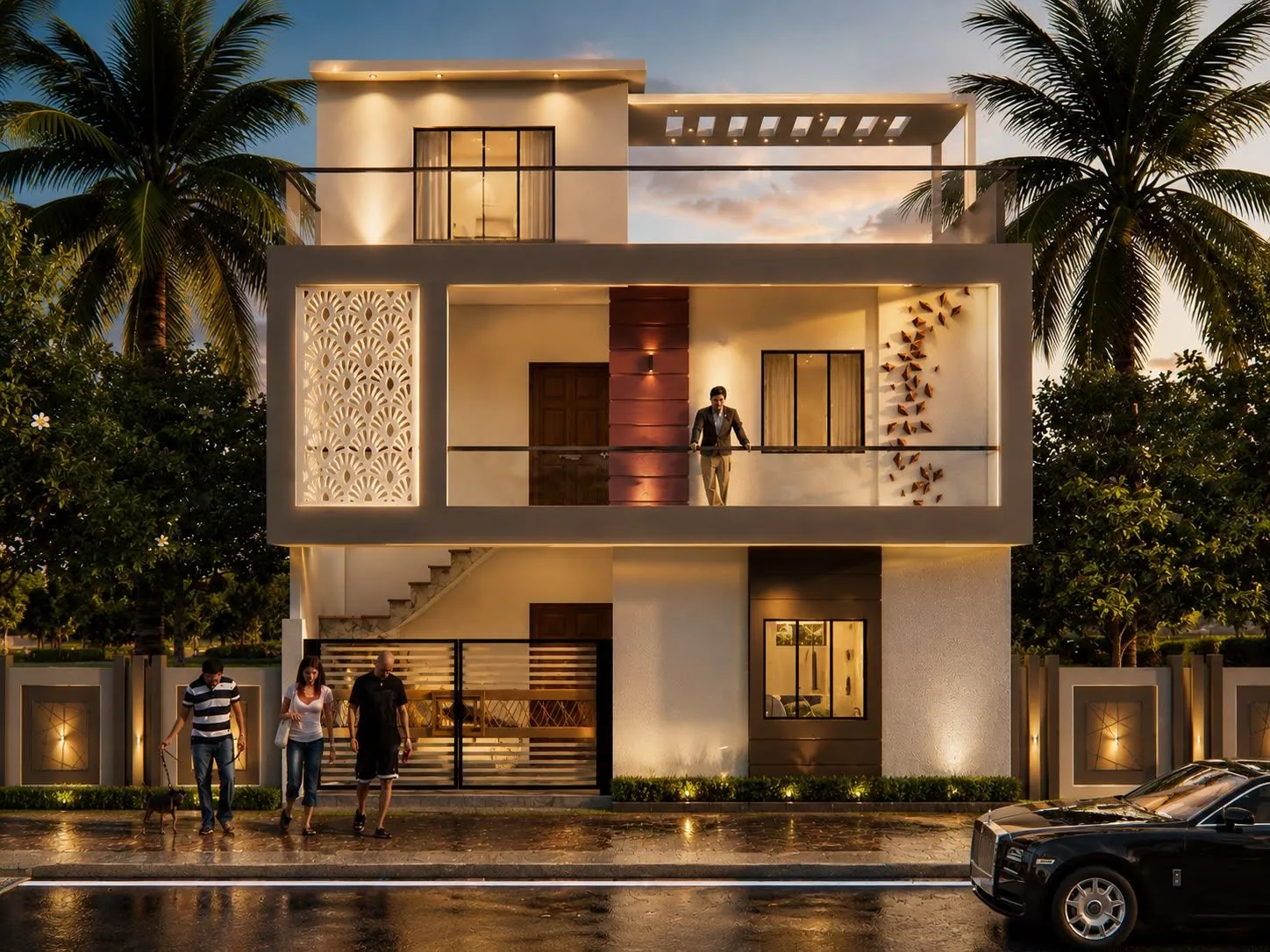
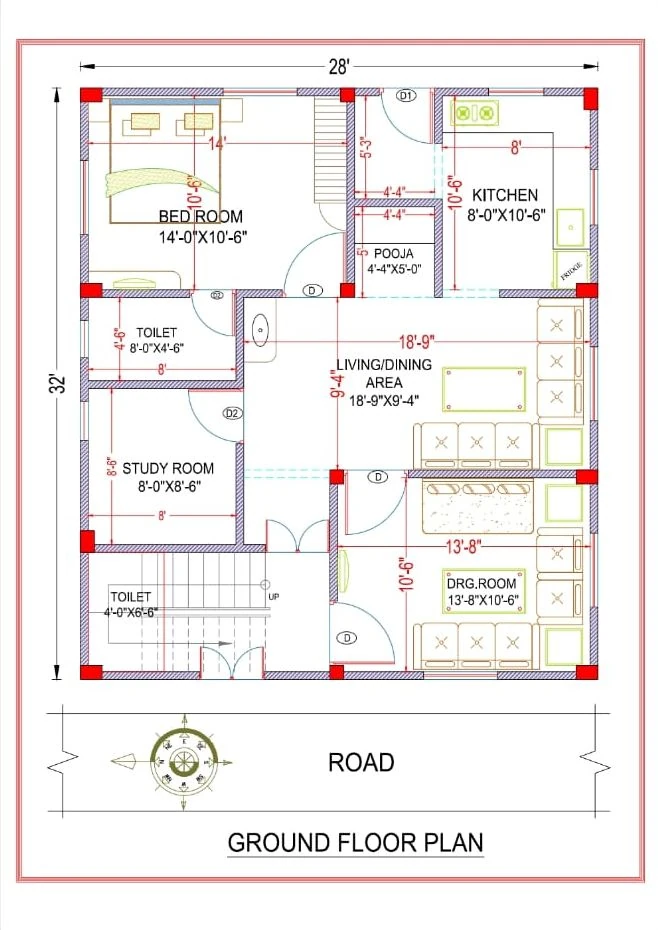
A 3D render is a still picture of one view: usually the front elevation or a single room. A walkthrough video moves through the house room by room, so you can feel how the spaces connect. Our AI walkthrough is a walkthrough video made from your 2D plan and 3D elevation, meant for judging the house before you build, while changes still cost nothing. None of them replaces the 2D plan: the sizes the site builds from are on the drawing.
The picture above is our design for a compact home on a 28 × 32 ft north-facing plot in Nainital; a 3D walk-around of it is on our videos page.
What each one shows
3D front elevation render
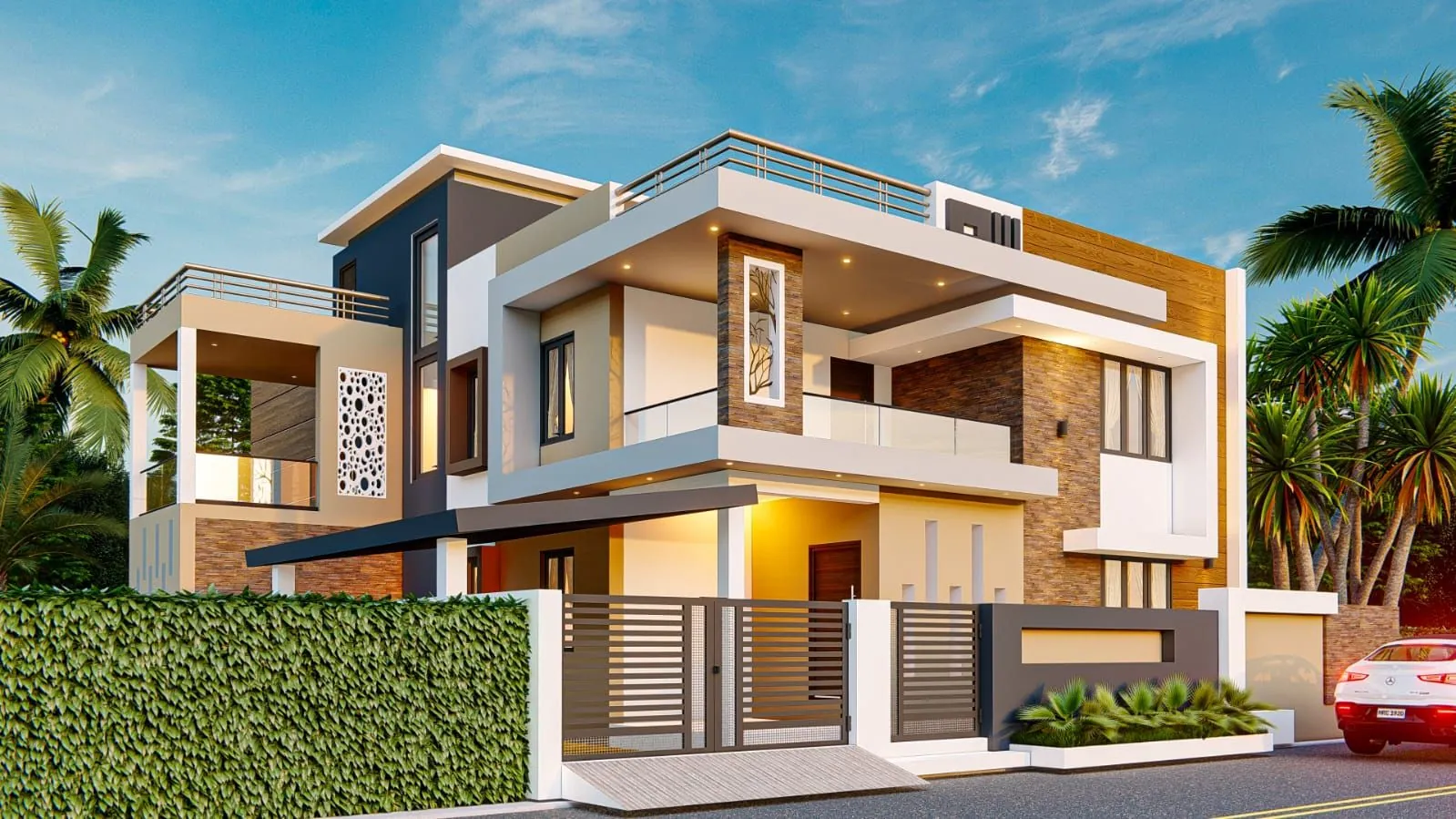
A still image of the front of the house, in day and night views, with materials and colours called out. It answers one question well: how will the house look from the road? See examples in 3D front elevations.
3D floor plan
A view of every floor from above, with walls, furniture and flooring shown. It is made from your approved 2D plan, and it helps family members who find line drawings hard to read.
Interior 3D views
Still pictures of rooms with furniture, false ceiling, lighting and wall finishes. They fix the look of a room before you order anything. See interior design.
Walkthrough video
A video that moves through the house: from the gate and parking, through the entrance, into each room, up the stairs and onto the terrace. Rooms are shown with furniture, so you can judge their size and use. Our AI walkthrough is made from your 2D plan and 3D elevation, and it is a video you can share with family on WhatsApp.
When to use which, before building
Each one fits a stage of the design:
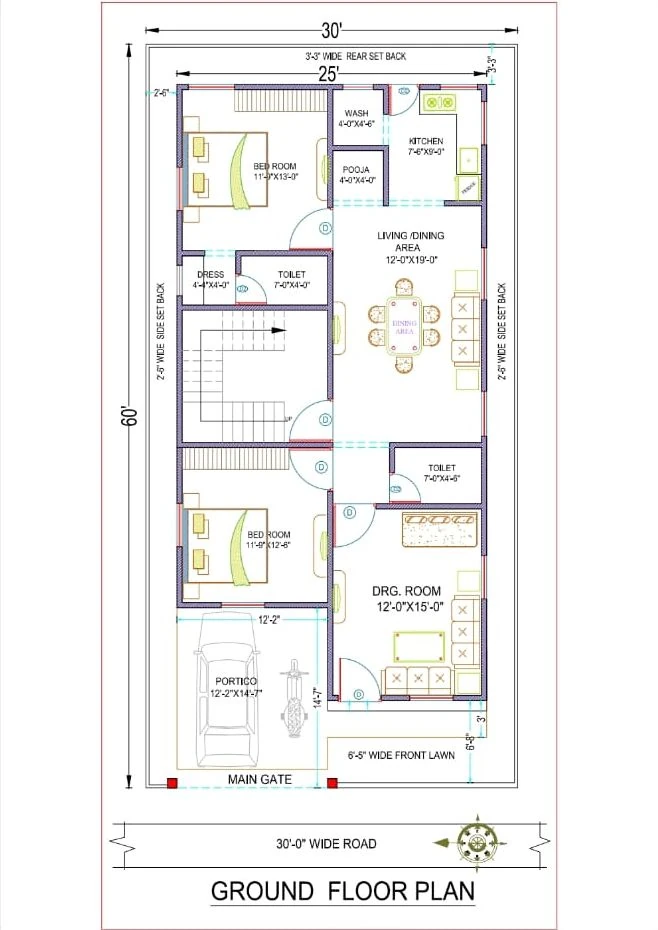
- Plot and rooms decided: the 2D floor plan comes first. It sets every room size and is ready in 2–3 days. See floor plans.
- Before you finalise the naksha: a walkthrough or a 3D floor plan lets the whole family check the plan together. This is the cheapest time to change a wall.
- Before the first slab: the 3D elevation, because balconies and projections on the front need to be in the structural drawings.
- Before electrical work and interiors: interior 3D views, so switchboards, lights and AC points match the furniture.
A walkthrough is most useful in three cases: family members live far away and cannot read drawings, you are comparing two plans for the same plot, or something about the plan feels wrong and nobody can say what.
Seedhi baat: 2D naksha se ghar banta hai, 3D aur walkthrough se samajh aata hai.
What a walkthrough tells you, and what it cannot
A walkthrough is good for:
- the path from the entrance to the kitchen, bedrooms and stairs
- what a visitor sees from the main door, and what stays private
- whether the furniture you own fits, and where the wardrobe doors open
- where the stairs land on each floor
- the order of spaces: which rooms open onto which
It cannot tell you everything:
- Exact sizes: a wide camera view can make a room feel bigger than it will be. Check every size on the 2D plan.
- Real light on site: neighbouring buildings and trees change daylight, so judge light with your actual site in mind.
- Structure and services: columns, beams, pipes and wiring are decided in the working and structural drawings, not in the video.
How to review a walkthrough with your family
Watch it once without stopping, then again room by room. A short checklist helps:
- Walk your morning: bedroom, toilet, kitchen, out of the door. Is anything in the way?
- Walk it as an elderly parent: how many steps, and where is the nearest toilet?
- Walk it as a guest: what do they see, and where do they sit?
- Check the car: can it turn into the parking, and do doors open past it?
- Check every window: what does it face, and does it look into a neighbour's room?
Write the changes down and send them together. Plans and 3D drawings come with two rounds of changes after we send the first draft, so changes found in the walkthrough are best made then.
Price and delivery
The 3D floor plan and the 3D elevation are each ready in 5 working days, and their fees are on our rate card. For the AI walkthrough, the format, delivery time and price are confirmed when you send your plan, because they depend on the size of the house and how many rooms you want shown.
Common questions
Is an AI walkthrough the same as a 3D render?
No. A render is one still picture. A walkthrough is a video that moves through the whole house, so you see the rooms in the order you would walk through them.
Do I need all of them?
No. Most families need the 2D plan and the 3D elevation. Add a 3D floor plan or a walkthrough when the family needs to see the inside before agreeing, and interior views when you are ready to plan furniture and lighting.
Can I get a walkthrough of a plan drawn by someone else?
Send the plan on WhatsApp. We confirm what can be made from it, and the price, before we start.
Ghar ka 3D naksha aur walkthrough mein kya fark hai?
3D naksha ek tasveer hai: upar se ya saamne se ek view. Walkthrough ek video hai jo poore ghar mein kamra-dar-kamra chalti hai.
Send your plan or plot size on WhatsApp, or use the quote form, and tell us which views your family needs.
Planning a home on your own plot?
Share your plot size, facing and city. A designer will call you back within one working day with layout options and an honest cost range.